Motorola Phone Guides
Step-by-step guides with pictures to troubleshoot your Motorola phone — try these before paying for a repair.
-
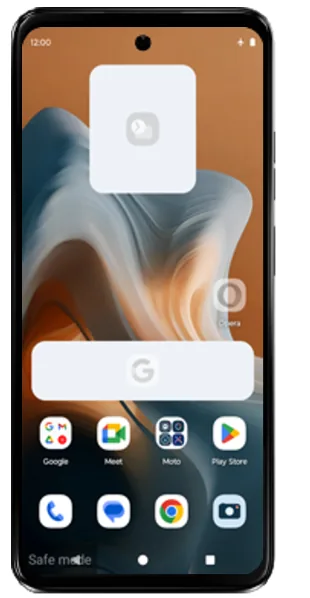
How to Start a Motorola Phone in Safe Mode
Step-by-step guide with pictures to boot any Motorola phone into safe mode, find the app causing crashes, slowdowns or battery drain, and exit safe mode.
-
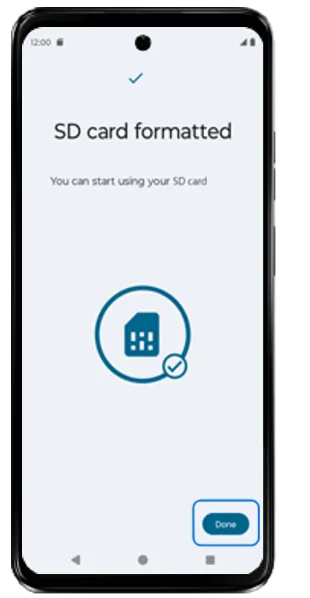
How to Format an SD Card as Storage on a Motorola Phone
Step-by-step guide with pictures to set up and format a microSD card as storage on a Motorola phone from Settings > Storage, plus what to do before you format.
-
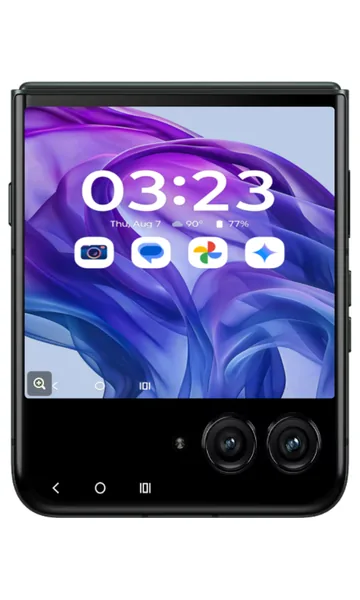
How to Use the External Display on a Motorola razr
Step-by-step guide with pictures to use the motorola razr external (cover) display: check notifications, add or remove apps, open quick settings and adjust brightness with the flip closed.
-
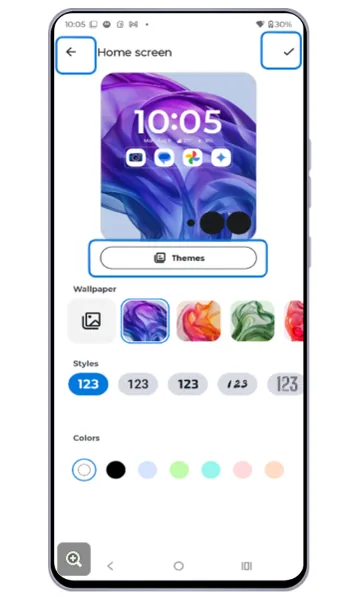
How to Personalize the External Display on a Motorola razr
Step-by-step guide with pictures to customize the motorola razr external display: change lock and home screen themes, manage panels, font and display size, call settings and which apps run on the cover screen.
-
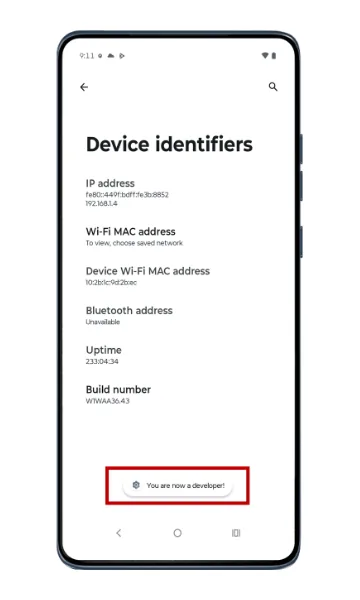
How to Turn On (and Off) Developer Options on a Motorola Phone
Step-by-step guide with pictures to enable Developer options on a Motorola phone by tapping Build number seven times, and how to turn Developer options off again.
-
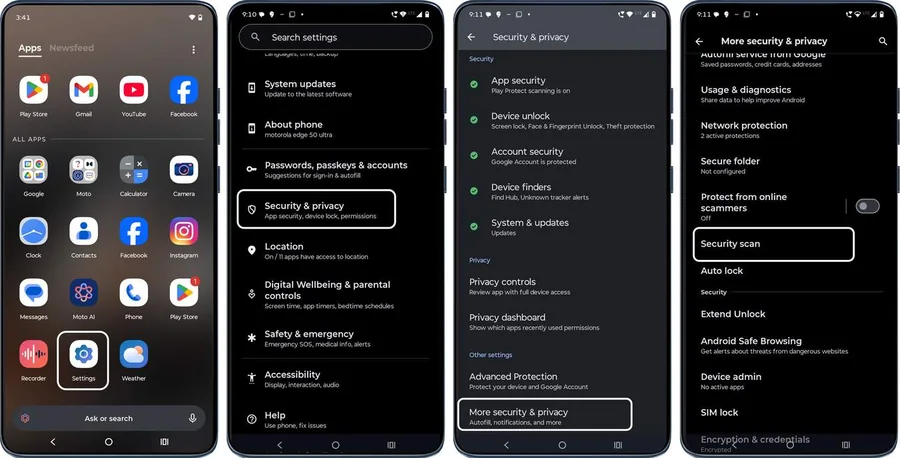
Is My Motorola Phone Hacked? How to Check and Remove Malware
How to tell if your Motorola phone is hacked or has a virus: run a security scan, check battery and data usage, remove unknown apps, scan with Play Protect and factory reset as a last resort.
-
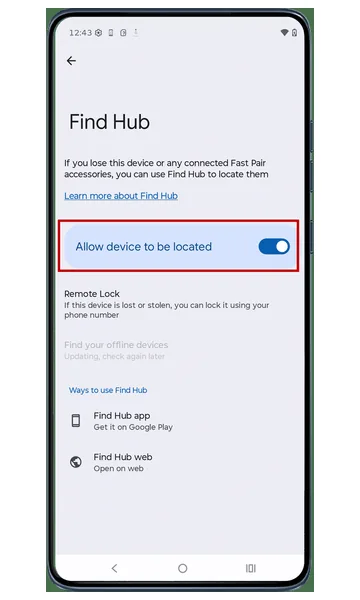
Lost Your Motorola Phone? How to Find, Lock or Erase It
Step-by-step guide with pictures to turn on Find My Device (Find Hub) on a Motorola phone and use the app or android.com/find to locate, ring, lock or erase a lost or stolen phone.
-
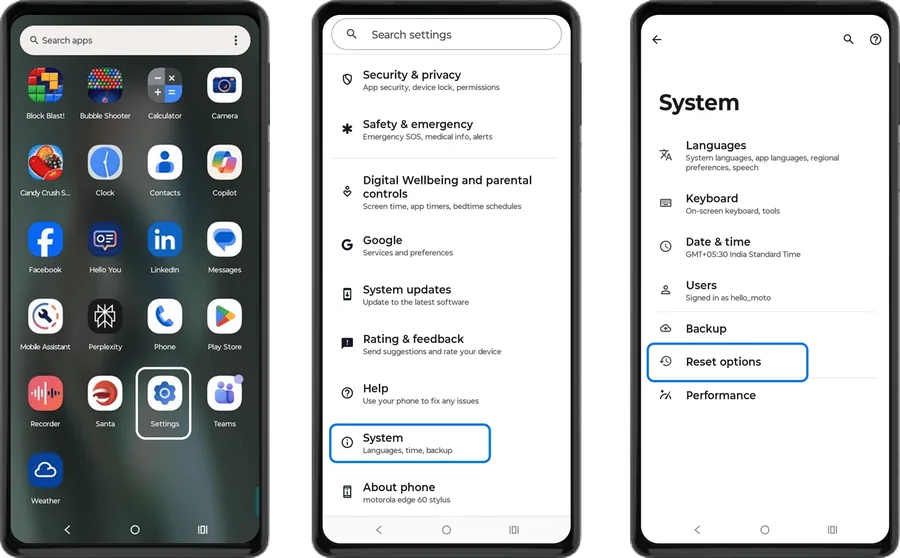
How to Reset Network Settings on a Motorola Phone
Step-by-step guide with pictures to reset mobile network, Wi-Fi and Bluetooth settings on a Motorola phone to fix no signal, dropped calls, Wi-Fi and pairing problems.
-
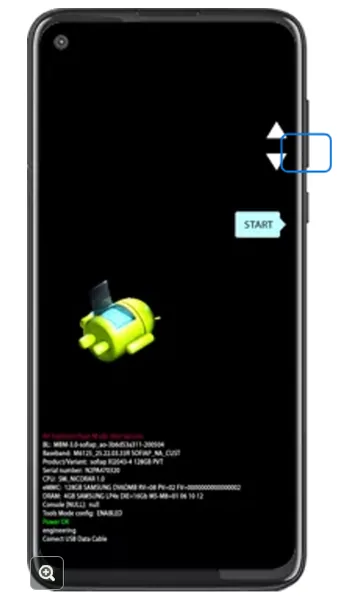
Forgot Your Motorola Unlock PIN, Pattern or Password? How to Reset It
Forgot the screen lock on your Motorola phone? Make sure you can sign in to your Google account, then factory reset the phone from recovery mode using the Power and Volume buttons and set it up again.
-
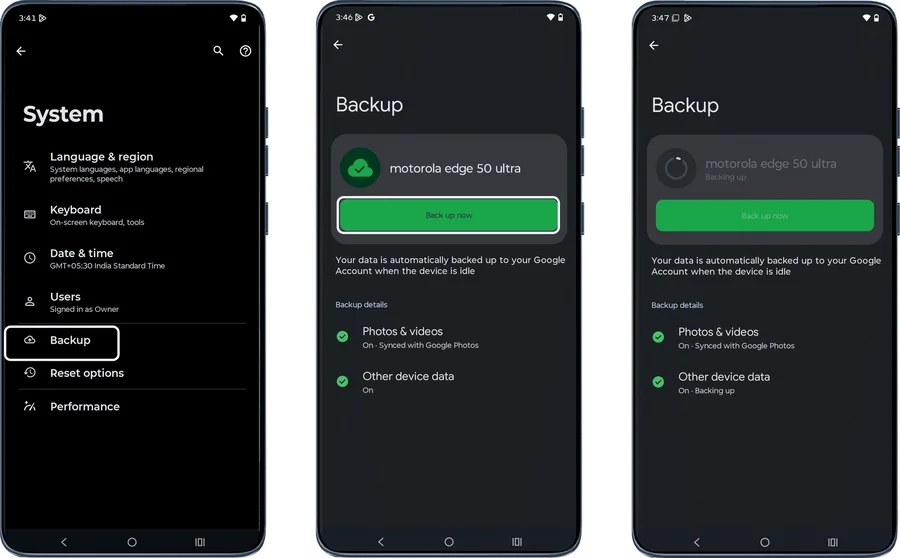
How to Back Up Your Motorola Phone to Google
Step-by-step guide with pictures to back up a Motorola phone with Google One backup — apps, contacts, call history, SMS, settings, photos and videos — and upload other files to Google Drive.
-
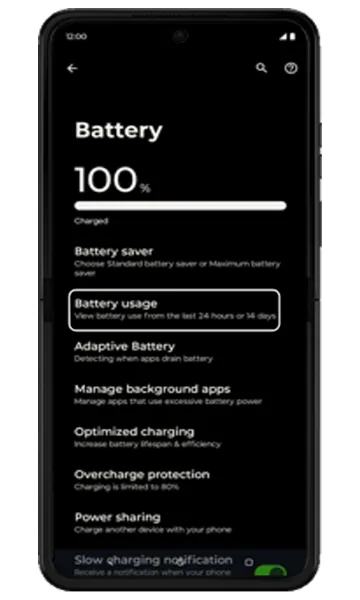
Motorola Battery Draining Fast? Settings to Make It Last Longer
Step-by-step guide with pictures to improve battery life on a Motorola phone: check battery usage, restrict background apps, turn on Battery saver, Adaptive Battery and Overcharge protection, and adjust location and brightness.
-
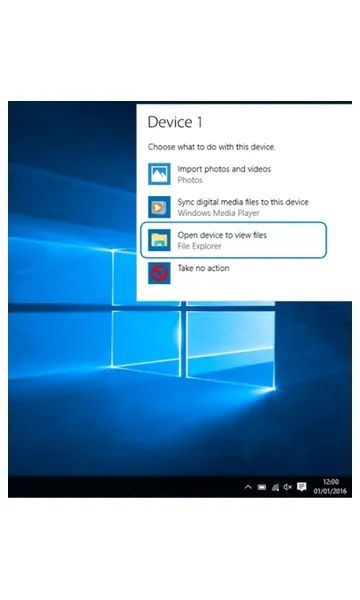
How to Transfer Files from a Motorola Phone to a Windows PC
Step-by-step guide with pictures to copy photos, videos and files from a Motorola phone to a Windows computer with a USB cable using File Transfer mode.
-
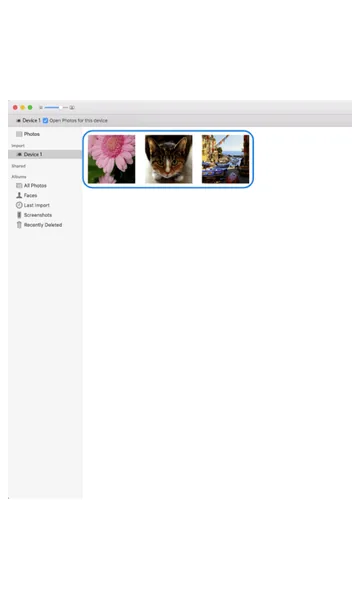
How to Transfer Photos from a Motorola Phone to a Mac
Step-by-step guide with pictures to import photos and videos from a Motorola phone to a Mac with a USB cable using PTP mode and the Photos app.
-
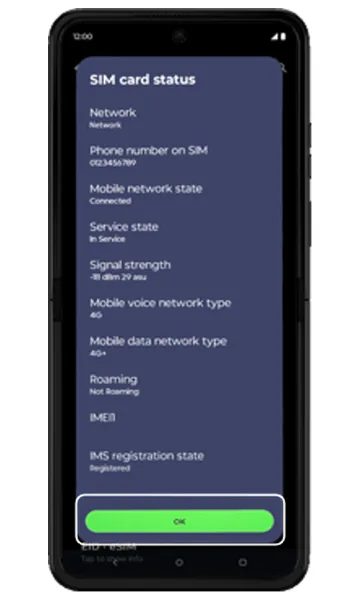
How to Check Signal Strength on a Motorola Phone (and Fix No Signal)
Step-by-step guide with pictures to check mobile signal strength in dBm on a Motorola phone, turn off airplane mode, turn on mobile data and fix no-signal problems.
-
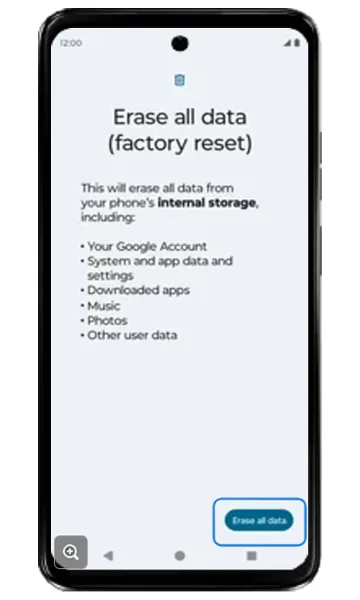
How to Factory Reset a Motorola Phone from Settings
Step-by-step guide with pictures to factory reset a Motorola phone from Settings > System > Reset options > Erase all data, plus what to do before you reset.
-
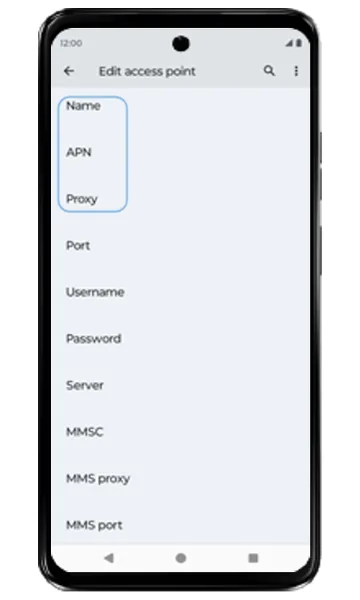
Motorola APN Settings for Jio, Airtel, Vi and BSNL (Internet & MMS)
Jio, Airtel, Vi and BSNL APN settings for mobile internet and MMS, with step-by-step pictures to add a new Access Point Name on a Motorola phone when mobile data isn’t working.
-
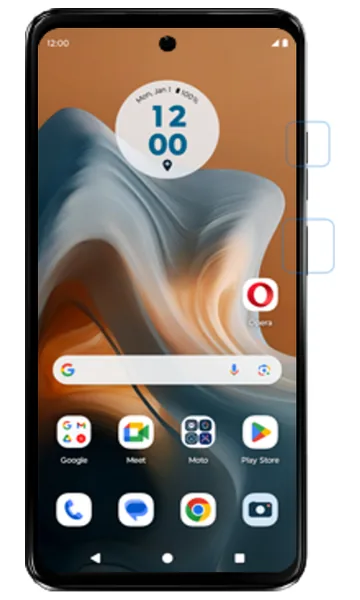
How to Force Restart a Frozen Motorola Phone
Step-by-step guide with pictures to force restart (soft reset) a Motorola phone that is frozen, unresponsive or stuck on a black screen, using the Power and Volume up buttons.
-
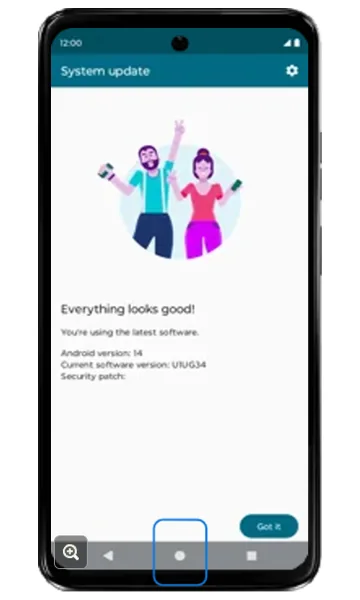
How to Update the Software on a Motorola Phone
Step-by-step guide with pictures to check for and install Android and security updates on a Motorola phone from Settings > System updates.
-
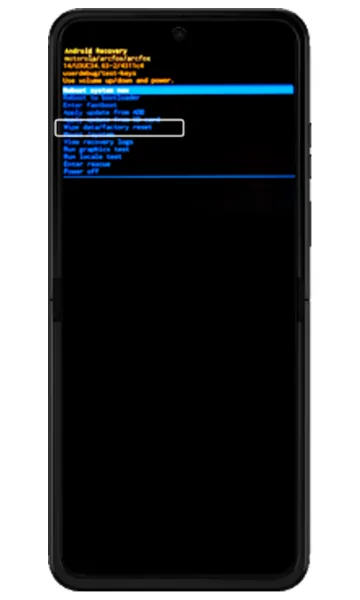
How to Hard Reset a Motorola Phone Using the Buttons (Recovery Mode)
Step-by-step guide with pictures to factory reset (hard reset) a Motorola phone from recovery mode using the Power and Volume buttons when you can’t open Settings.
-
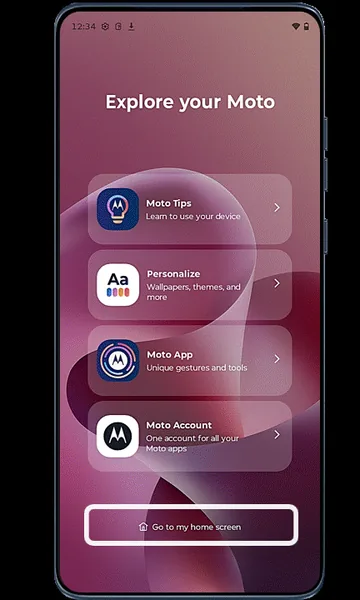
How to Set Up a New Motorola Phone
Step-by-step guide with pictures to set up a new or reset Motorola phone: language, SIM, Wi-Fi, Google account, screen lock, backup and Motorola settings.
-
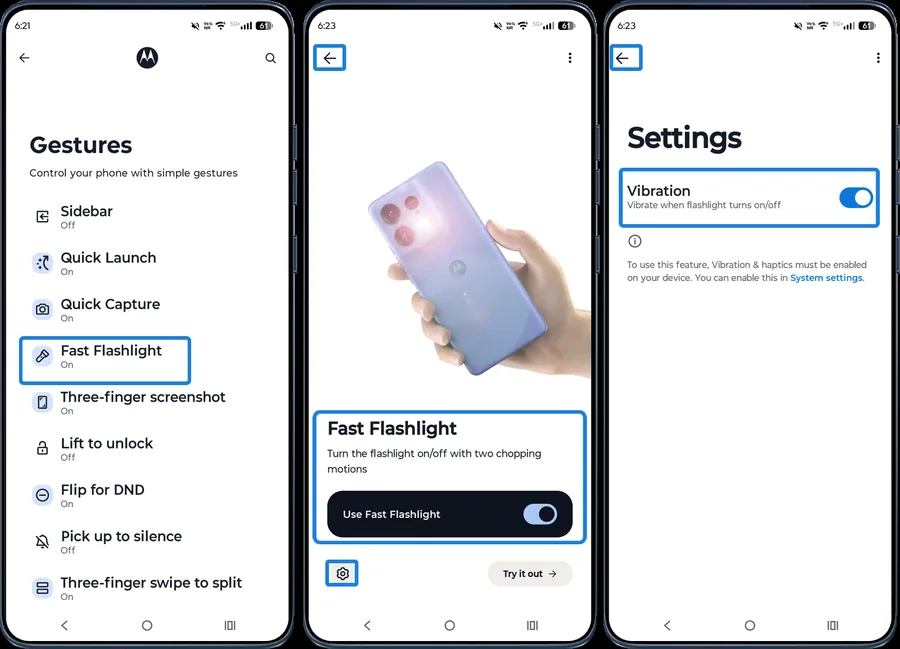
Moto Gestures: How to Use Chop for Flashlight, Twist for Camera and More
How to turn on and customize Moto gestures in the Moto app: Fast Flashlight (chop chop), Quick Capture (twist), three-finger screenshot, swipe to split, lift to unlock, flip for DND and more.
-
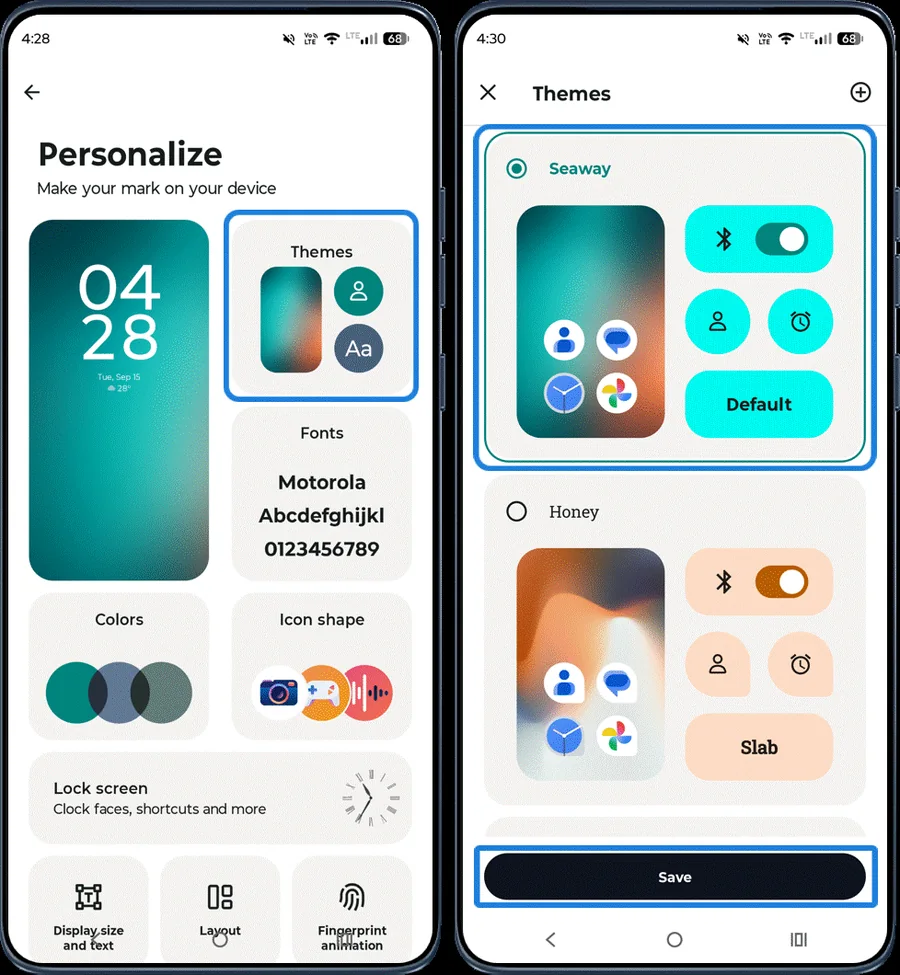
How to Customize Your Motorola Phone with the Moto App (Personalize)
Step-by-step guide with pictures to personalize a Motorola phone in the Moto app: wallpaper, themes, fonts, colours, icon shape, lock screen, layout, sounds, dark mode, games and Dolby Atmos.
-
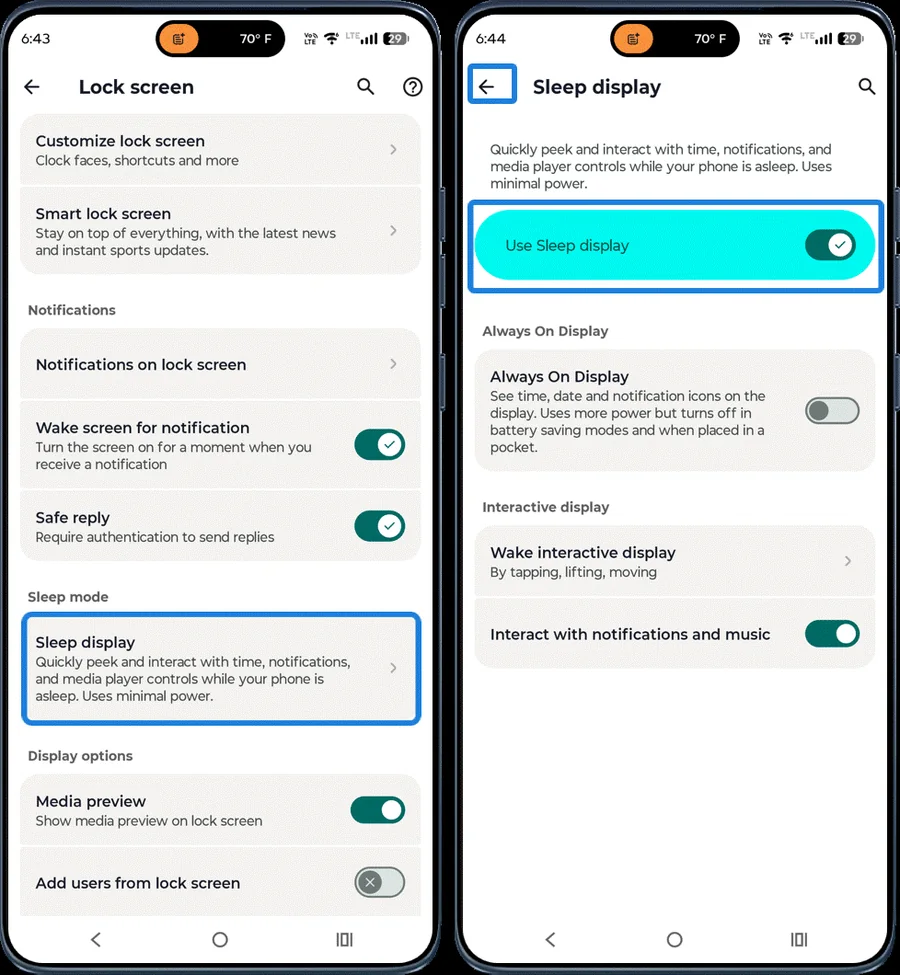
Moto Display: Smart Lock Screen, Sleep Display and Attentive Display
How to set up Moto Display features on a Motorola phone: Smart lock screen, lock screen notifications, Sleep display, double-tap to wake or sleep, and Attentive Display.
-
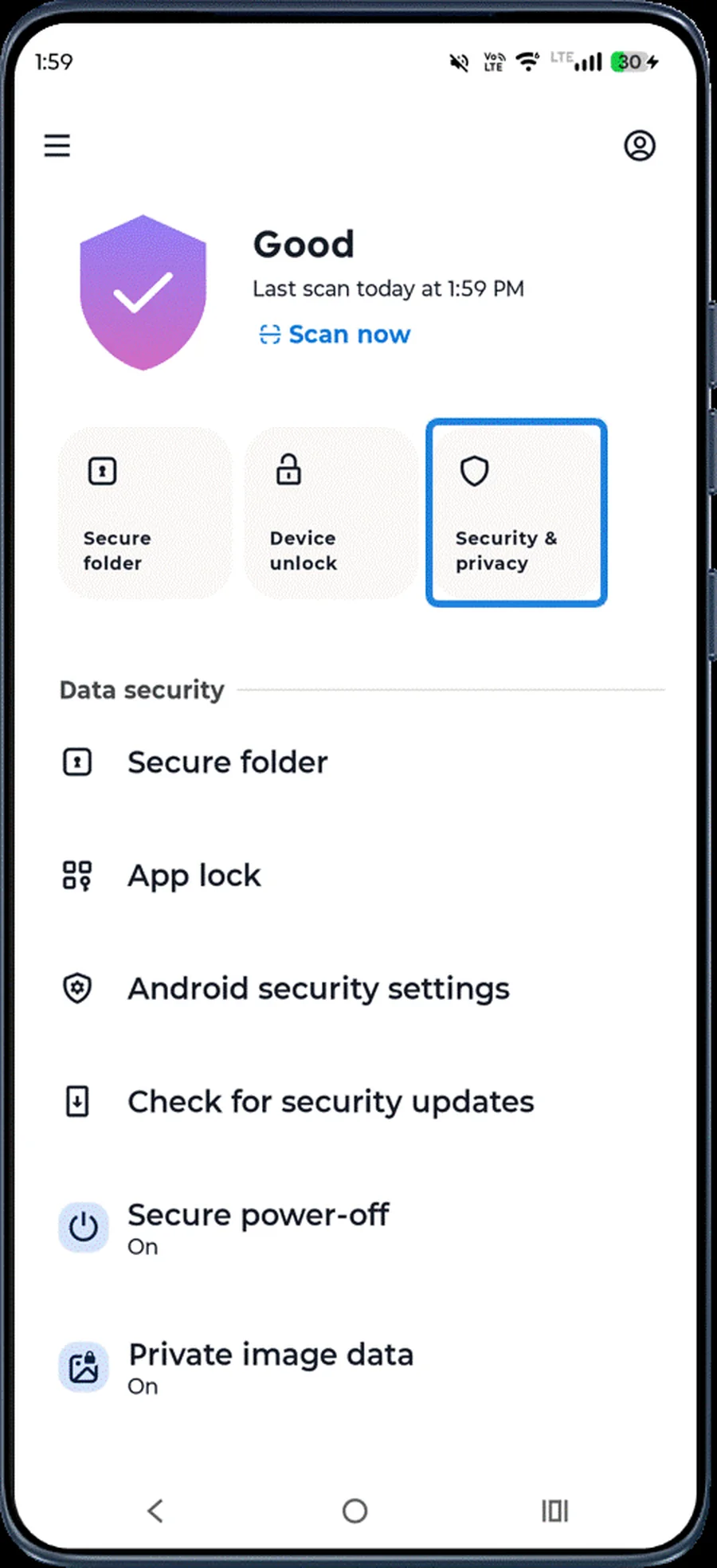
Moto Secure: Motorola Security and Privacy Settings Explained
How to use Moto Secure on a Motorola phone: scan for threats, Play Protect, screen lock, lost device protection, app permissions, Secure folder, scam protection, secure power-off and more.